Smartacus Editor
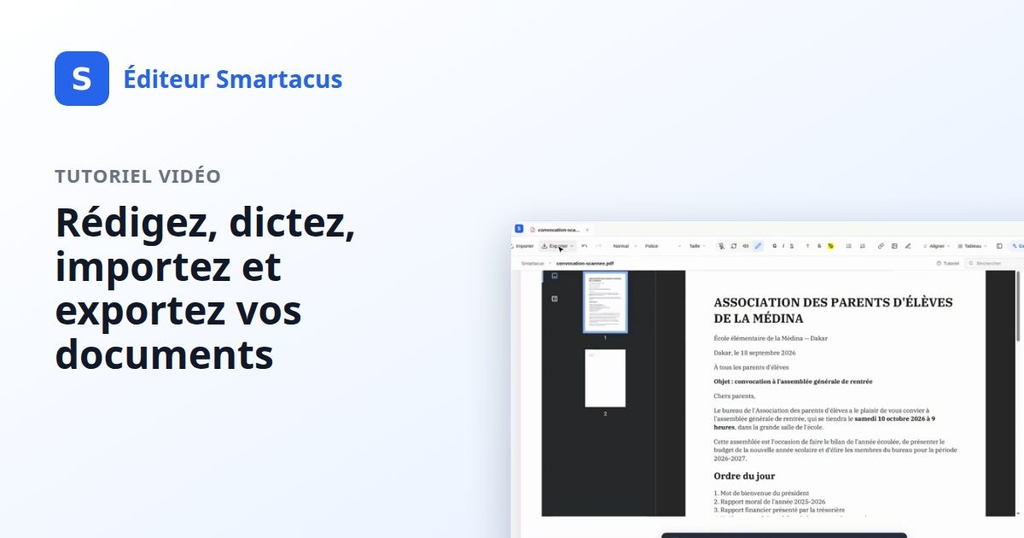
Smartacus Editor turns your phone and a web browser into a full document workspace. This course walks through the editor end to end: capturing pages from your phone, cleaning up scans with OCR, editing handwritten notes, and using the built-in AI assistant to draft, rewrite and organize your documents.
You'll learn how to:
- Import documents from your phone and turn scans into editable text
- Use the AI assistant to draft, summarize and rewrite content
- Organize, share and export your documents
Unlock with your first top-up
First top-up: 5,000 XOF, added as Smartacus credits you'll use in the course.
| Responsible | System |
|---|---|
| Last Update | 10/19/2026 |
| Members | 2 |
-
Welcome2Lessons ·
-
Preview New
-
Preview New
-
-
Your workspace2Lessons ·
-
Folders and documentsNew
-
Credits and topping upNew
-
-
Bring a document in2Lessons ·
-
Importing a PDF or Word fileNew
-
Capturing a document with your phoneNew
-
-
Writing and proofreading by voice2Lessons ·
-
DictateNew
-
Read aloudNew
-
-
Let AI do the heavy lifting3Lessons ·
-
Regenerate a passageNew
-
Copilot edits your documentNew
-
Talk to Copilot — in French or WolofNew
-
-
Finish and share1Lessons ·
-
Preview, compare, and exportNew
-
-
Put it all together1Lessons ·
-
Start to finish: updating a scanned noticeNew
-
-
Bonus: become an affiliate2Lessons ·
-
Becoming a resellerNew
-
Your affiliate areaNew
-